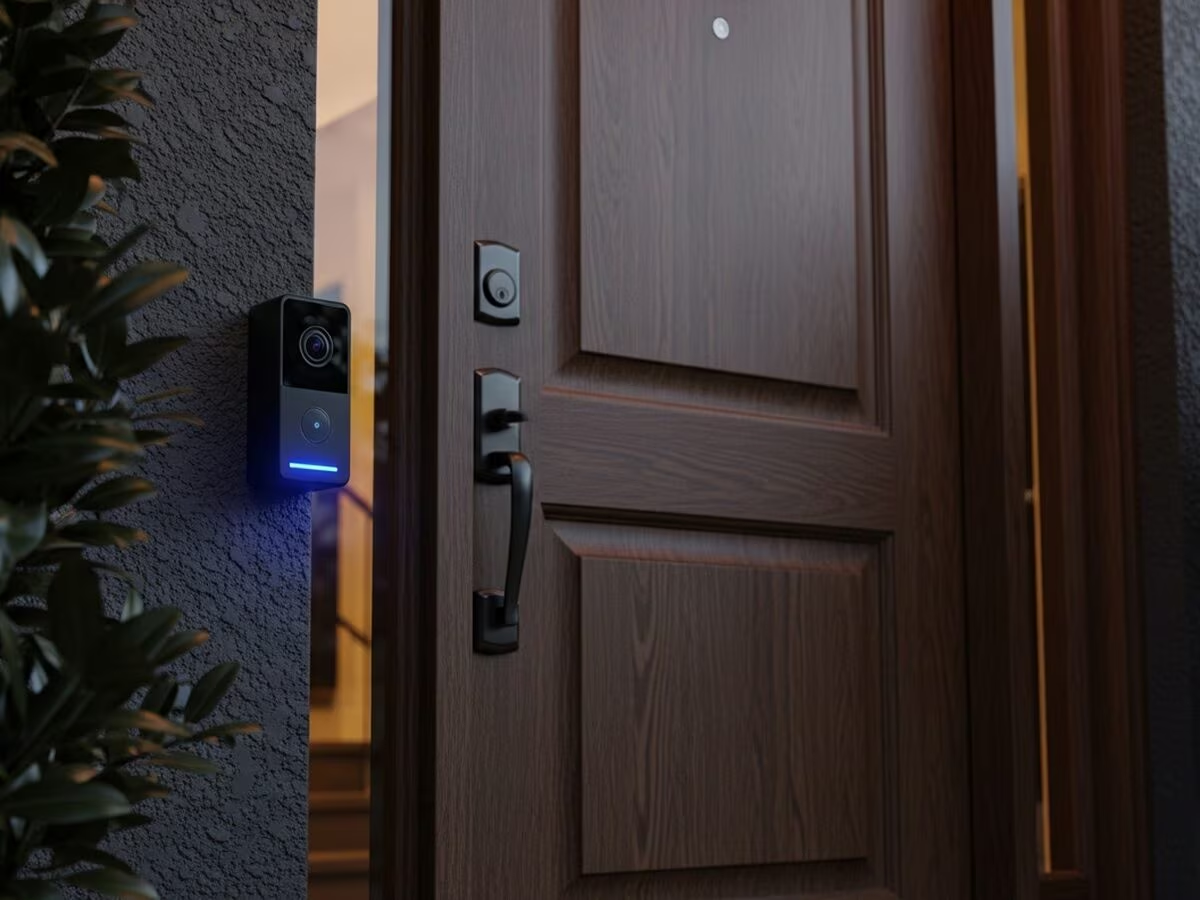
You hear a knock, check your phone, and there’s nobody there. Sound familiar? That’s usually the moment people start looking for a best smart doorbell camera — after a missed delivery, a weird 2 AM notification, or a friend’s recommendation that turned out to be way off for their own home.
Here’s the honest truth: there isn’t one single “best” doorbell camera for everyone. The right pick depends on your wifi setup, whether you want wired or battery-powered, and honestly, how much you’re willing to spend on cloud storage every month. I’ve tested a handful of these over the past two years, on and off, in a flat with a narrow corridor entrance and a house with a proper porch. The differences showed up fast.
In this guide, I’ll break down what actually matters when picking a smart doorbell camera in 2026, compare the popular options, and flag the stuff nobody puts in the marketing brochure.
What Makes a Smart Doorbell Camera Actually Good?
A genuinely good smart doorbell camera balances clear video (1080p minimum, ideally 2K), reliable motion detection that doesn’t spam you with false alerts, decent night vision, and battery life or wiring that fits your home. Everything else — app design, smart integrations, color options — is secondary to these basics.
Most buyers get seduced by resolution numbers on the box. 2K sounds better than 1080p, sure. But I’ve noticed that field of view matters just as much, sometimes more. A doorbell with a narrow 130-degree view will miss a package left slightly to the side of your door. One with 160-180 degrees catches almost the entire porch.
Night vision quality varies wildly too. Some units give you a grainy black-and-white blob at night; others use color night vision with a small spotlight that actually lets you identify a face. That difference matters if you live somewhere with irregular street lighting — which, let’s be real, describes a lot of Indian neighborhoods after 10 PM.
Wired vs Battery-Powered Doorbell Cameras
This is probably the first real decision you’ll make, and it trips people up more than it should.
Wired doorbell cameras connect to your existing doorbell wiring and stay powered constantly. That means:
- No charging, ever
- Generally faster response time when someone rings
- Slightly trickier installation if your home doesn’t already have doorbell wiring (many older Indian homes simply don’t)
Battery-powered doorbell cameras, on the other hand, are a completely different experience:
- Install in about fifteen minutes with basic tools, no electrician needed
- Battery typically lasts 1-3 months depending on how much activity your door gets
- You’ll need to unmount and recharge it periodically, which honestly gets annoying by the third or fourth time
If you’re renting, battery-powered is almost always the better call. You’re not drilling into wiring you don’t own, and you can take the whole unit with you when you move.
Comparing the Top Smart Doorbell Camera Brands
Let’s get into specifics, because vague comparisons don’t help anyone actually buy something.
Ring Video Doorbell
Ring remains one of the most recognized names in this space, and for good reason — the app is polished, the motion zones are customizable, and setup is genuinely simple even for someone who isn’t tech-savvy. The catch? Most of the useful features, like recorded video history, sit behind a subscription plan. Without it, you basically get live view and nothing else saved.
Google Nest Doorbell
Nest’s strength is smart detection — it’s noticeably better at telling the difference between a person, a delivery vehicle, and your neighbor’s dog walking by. That cuts down false alerts significantly. It integrates well if you’re already using Google Home devices, but if you’re on an Alexa-heavy setup, the experience feels a bit disjointed.
Eufy Security Doorbell
This is the one I’d actually recommend to most people on a budget, mainly because of local storage. Eufy doesn’t force you into a monthly subscription for basic recording — footage saves to a small hub or built-in storage. For anyone who finds recurring subscriptions annoying (and who doesn’t?), that’s a real advantage.
Indian and Budget Brands (CP Plus, Qubo, etc.)
Local brands like CP Plus and Qubo have gotten a lot better over the last couple of years. They’re not going to match Nest’s AI detection accuracy, but for basic monitoring at roughly a third of the price, they get the job done for a lot of households. I wouldn’t dismiss them outright the way some tech reviewers do.
Video Quality and Night Vision: What Actually Matters
For most homes, 1080p resolution with a 160-degree field of view is the sweet spot — enough clarity to identify a visitor’s face while covering the full porch area, without paying extra for 2K footage you’ll rarely need. Night vision quality matters more than raw resolution after dark.
A few things worth checking before you buy:
- Does it offer color night vision, or just black-and-white infrared?
- What’s the actual field of view in degrees (not just marketing terms like “wide-angle”)?
- Does the app let you draw custom motion zones, so you’re not getting alerts every time a car passes on the street?
- Is there a built-in spotlight or floodlight option?
Picture this — a family in Vaishali Nagar installs a budget doorbell camera with a narrow field of view. Two weeks later, a parcel gets left on the side of their porch, just outside the camera’s frame. They never get an alert, assume it wasn’t delivered, and spend three days arguing with the courier company. A slightly wider lens would’ve saved that whole headache.
Subscription Costs and Storage: The Hidden Expense
This part gets glossed over in most comparison articles, and it shouldn’t.
Most premium smart doorbell camera brands push you toward cloud subscriptions for full functionality. Ring’s plans typically run somewhere around ₹150-400 per month depending on the tier and number of devices. Nest’s subscription sits in a similar range. Over a year, that’s an extra ₹2,000-5,000 you didn’t budget for when you bought the ₹8,000 doorbell.
Local storage options (microSD cards or a hub, like Eufy uses) avoid this entirely. The tradeoff is usually a slightly clunkier setup process and sometimes less remote-access flexibility if your card fills up and nobody’s cleared it in a while.
My honest take? If you just want basic motion recording and don’t need 60 days of cloud history, skip the subscription models. Most people check footage once or twice a month at most — paying monthly for that is money left on the table.
Installation and Wifi Requirements
A smart doorbell camera needs a stable 2.4GHz wifi connection reaching your front door — weak signal there is the number one cause of missed notifications and laggy live view, regardless of which brand you choose.
A few practical notes on this:
- Most doorbell cameras use 2.4GHz wifi specifically, not 5GHz — double-check this before buying if your router setup is unusual
- If your router is far from the front door, consider a mesh wifi extender before blaming the camera for poor performance
- Battery models generally handle wifi dropouts better since they’re not streaming constantly
- Test the signal strength at your actual door location using your phone before installation day, not after
I made the mistake once of assuming my router’s range covered the whole house. It didn’t. My first doorbell camera buffered for a solid six seconds every time it detected motion, which defeats the entire purpose of a live security feed. Adding a simple wifi extender near the entrance fixed it completely.
[link to a related wifi mesh network setup guide here]
Smart Home Integration: Alexa, Google Home, or Neither?
If you already have smart home devices, this matters more than most buyers initially think.
- Alexa-compatible doorbells (Ring, some Eufy models) let you view the feed on an Echo Show or Fire TV
- Google Home-compatible doorbells (Nest, some third-party brands) integrate with Google Nest Hub displays
- Standalone doorbells work fine on their own app but won’t talk to other smart devices at all
Buying a doorbell that doesn’t match your existing ecosystem isn’t the end of the world, but it does mean juggling two separate apps — one for your lights and plugs, another for your doorbell. Not a dealbreaker, just mildly annoying every single day.
[link to related smart home starter guide here]
Final Verdict: Which Smart Doorbell Camera Should You Buy?
There’s no universal winner here, and I’d be lying if I claimed otherwise.
- Best overall for most people: Google Nest Doorbell, thanks to smart detection accuracy
- Best budget pick with no subscription: Eufy Security Doorbell, local storage saves real money long-term
- Best for Alexa households: Ring Video Doorbell, tightest ecosystem integration
- Best for tight budgets: CP Plus or Qubo, decent basics without premium pricing
Whatever you pick, prioritize field of view and night vision over resolution numbers on the box. Those specs actually affect what you see when it matters.
Frequently Asked Questions
Do smart doorbell cameras work without wifi? No, they need an active wifi connection to send notifications and stream live video to your phone. Some models can still record locally to a microSD card during a wifi outage, but you won’t get real-time alerts until the connection’s back.
Is a subscription really necessary for a doorbell camera? Not always. If you’re fine with live viewing and don’t need a recorded history of past events, many brands work without one. But if you want to review footage from a few days ago, most premium brands require a paid plan for that.
How long does the battery last on a battery-powered doorbell? Typically 1-3 months, though it depends heavily on how much foot traffic your door gets. A busy shop entrance will drain the battery much faster than a quiet home with a handful of visitors a day.
Can I install a smart doorbell camera myself? Yes, in most cases. Battery-powered models usually take about 15 minutes with just a screwdriver. Wired models need existing doorbell wiring and can be trickier if your home doesn’t already have that setup.
Are budget doorbell brands like CP Plus or Qubo actually reliable? For basic monitoring, yes — they’ve improved a lot recently. They won’t match premium brands on AI-based detection accuracy, but for straightforward motion recording and live view, they do the job at a fraction of the cost.
What’s the biggest mistake people make when buying a doorbell camera? Ignoring wifi signal strength at the actual installation spot. A camera can have great specs on paper and still perform terribly if the connection at your front door is weak.
Conclusion
Picking the best smart doorbell camera really comes down to three things: how you want to power it, whether you’re okay paying a monthly subscription, and how strong your wifi is at the front door. Get those three right, and pretty much any of the major brands will serve you well.
If you’re still unsure, start by checking your wifi signal at your actual doorstep this week — it’ll narrow your options faster than reading another ten review articles.